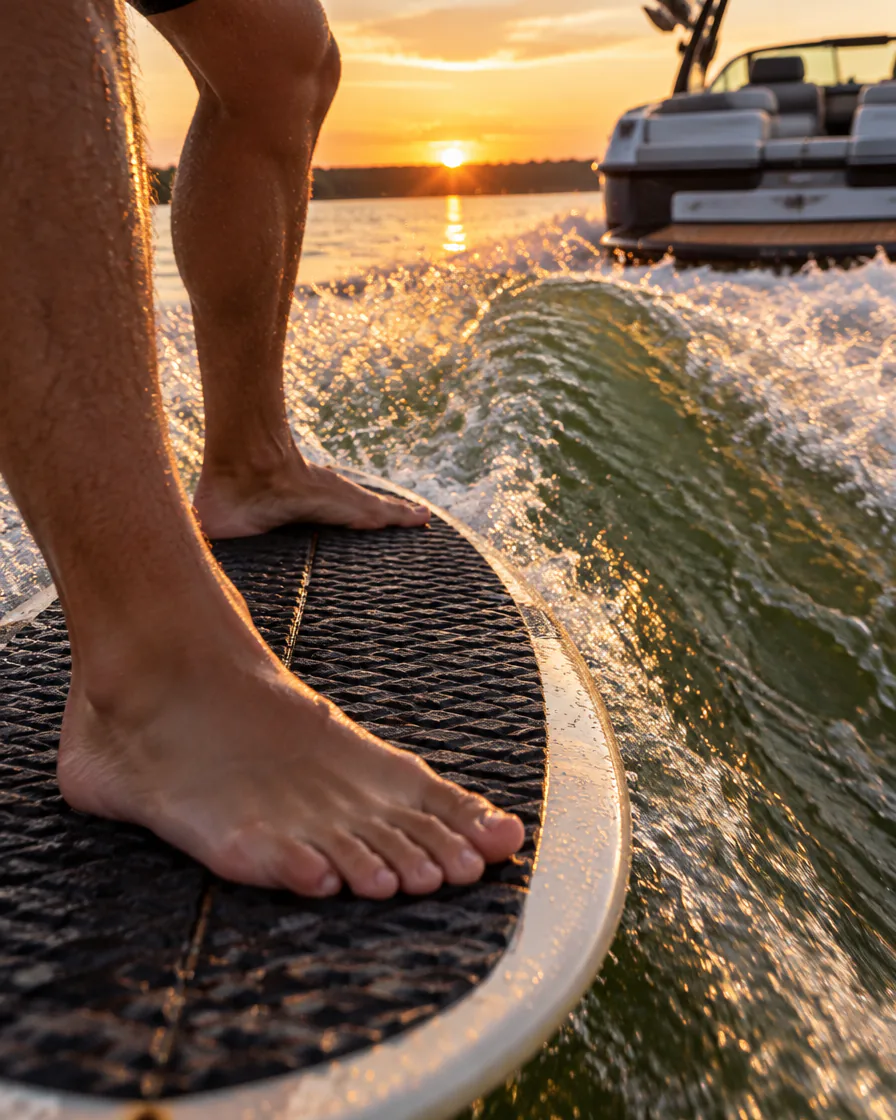
Surf-style
Pointed nose, more rocker, thicker rails, real fins. Drives down the line and holds through a turn.
- Classic
- Loose
- Groveler
A native Mac and iPad app for one kind of board: wakesurf, surf-style or skim-style. Sliders that stay inside proven geometry, a 3D stage you can paint, and G‑code your router will actually run.
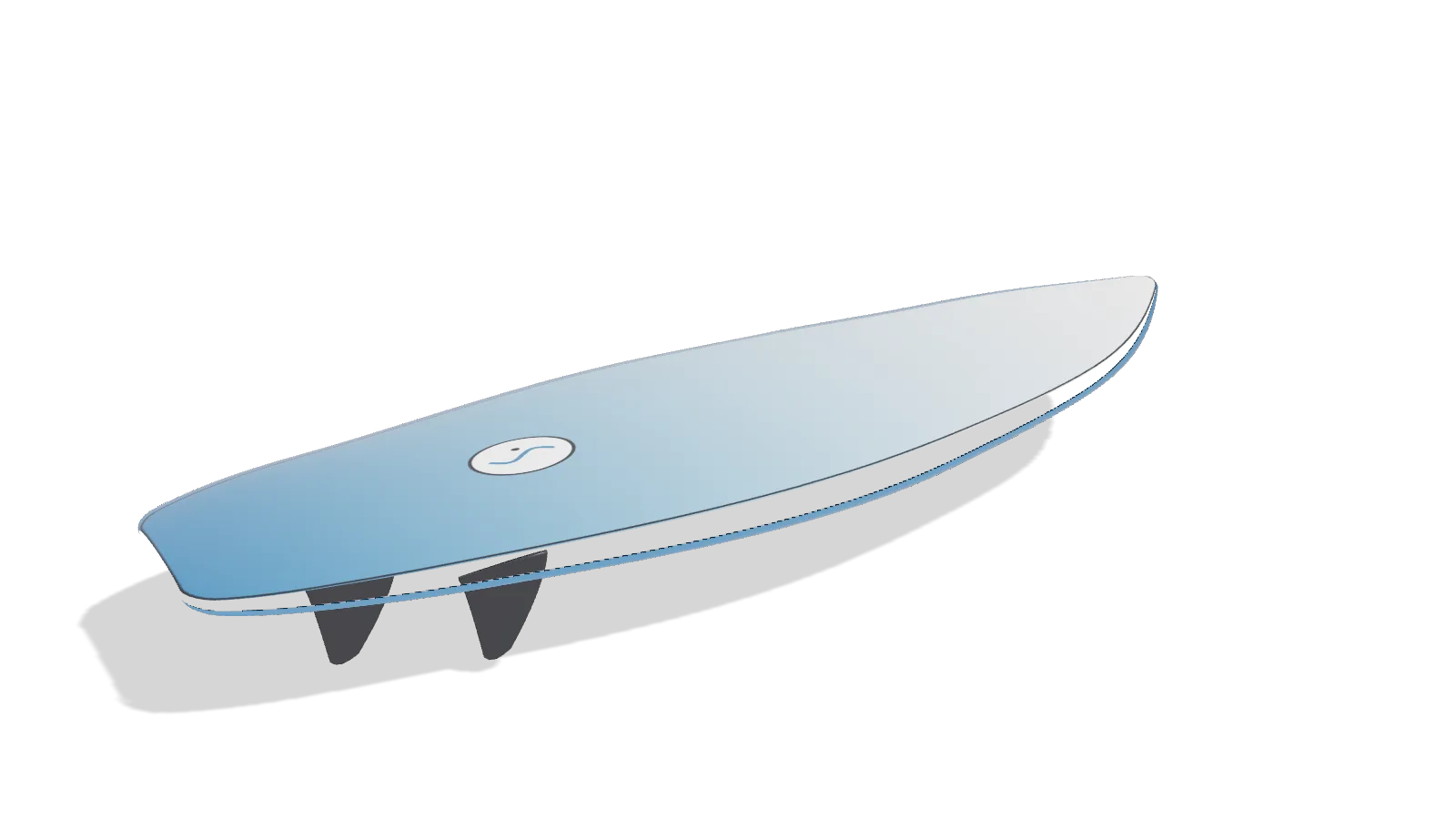
Free to design, fin and paint. Mac and iPad, same files on both.

Behind a boat, on a lake, on the wake. No ocean boards, no foils, no paddleboards. Every template, slider range and fin box in ShapeWake is here because a wakesurf board needs it. That focus is why the whole thing fits in five steps.
General tools spread one board across curves, slices, layers, plugs and machine panels. ShapeWake is Style, Shape, Fins, Paint, Cut, and the board stays center stage the whole way.
Every slider's range comes from the style you picked. A skim can't get three inches thick; a surf can't end up with a one-inch tail rocker. Push a limit and the slider turns orange and tells you why.
Colors, fades, pinlines and drag-on stickers are in the free tier, because nobody builds a board they can't picture.
Fin box pockets are routed in the same job as the bottom. The two-sided flip, with registration pins, is set up before you open the file.
Step 1 Style
Two styles, three templates each. Pick one and ShapeWake builds the whole board: outline, rocker, foil, rails, fins. You spend your time tuning, not drawing.
Pointed nose, more rocker, thicker rails, real fins. Drives down the line and holds through a turn.
Thin, flat, round nose, small fins. Built to spin and slide, and to come back around.
Step 2 Shape
The curves under the hood are real, so the volume, the 3D view and the G‑code are exact. You just never have to touch a control point.
Volume, surface area, weight and rider range come from the actual geometry, not a lookup table. A "rides like" readout turns the numbers into feel: loose or drivey, spin or hold.
Push past the style's safe range and the slider fill turns orange with the reason underneath. You can still do it. You just can't do it by accident.
Hover or click a station to read width, thickness and rocker right there. The widths 12" from nose and tail stay on screen the whole time.
Orbit, zoom and pan, or jump to top, side, three-quarter and bottom presets. Solid, wireframe or reflective, with a level-lines overlay when you want to read the curvature.
Overlay another saved board, or the template you started from, to see exactly what you changed. With Shaper, drop in a photo of a board you already love and trace its outline in top view.
The exact curves are kept; length, width, thickness and rocker are live immediately. "Convert to editable" fits the full slider model to the imported shape and reports the fit error, so you know what you're trading.
Step 3 Fins
Quad or twin on a surf-style board, a single center fin on a skim. Pick the layout and the box, and the fins land where they should; the pockets go into the same G‑code as the bottom.
Pocket dimensions come from a catalog and are marked approximate where they are. Verify against your box before you cut.
Step 4 Paint
Deck, bottom, rails and fins, each with its own color, pattern and finish. Stickers go on the 3D board, not on a flat template, so they land exactly where you put them.
Sixteen built-in stickers. Drag one onto the deck or bottom, then scale and rotate it with the handles; Delete removes it. With Shaper, import your own as PNG, SVG or PDF.
Solid, Fade, Resin swirl, Stripe or Pinline, in Gloss, Matte or Clear over foam. Rails and fins get their own color.
Lake sunset, Shaping bay or Studio white. Snapshot any view to a PNG for the group chat or the order sheet.
Step 5 Cut
Three tabs: CNC, Hot wire, and Templates & export. Whether you own a router, a wire cutter or a planer and a good eye, the board leaves the app ready to build.
00:00
Whole job for the sample sample, —, in a — blank: pins, deck, deck outline, flip, bottom, fin pockets, bottom outline. — at — rpm. Estimated by the app and written into every file's header.
Library Files
Every board is a .shapewake file you can save, duplicate, send and open years from now. The library sorts and filters them by style, length and volume.

The iPad app is the same ShapeWake: same geometry, same five steps, same .shapewake file. It just answers to your fingers.
Also on iPad
One finger turns the board, a pinch zooms, two fingers pan. In portrait the inspector is a sheet you pull up over the stage; turn the iPad sideways and it becomes a sidebar, like the Mac.
The same geometry you saw in the app, walked through once from template to toolpath. Scroll.
Six templates, each already a board that rides. One click builds the whole thing.
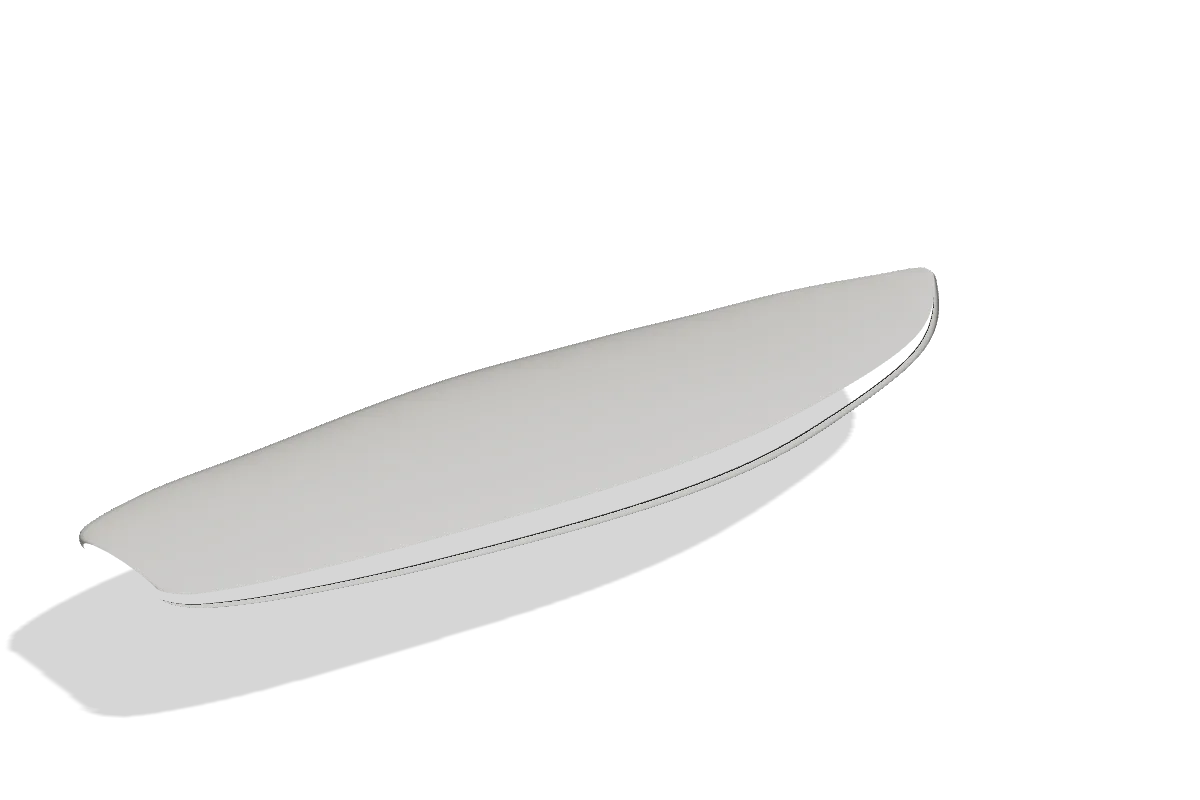
Longer, wider, more rocker: volume, weight and the "rides like" readout update on every drag, and nothing goes outside the style's safe range by accident.
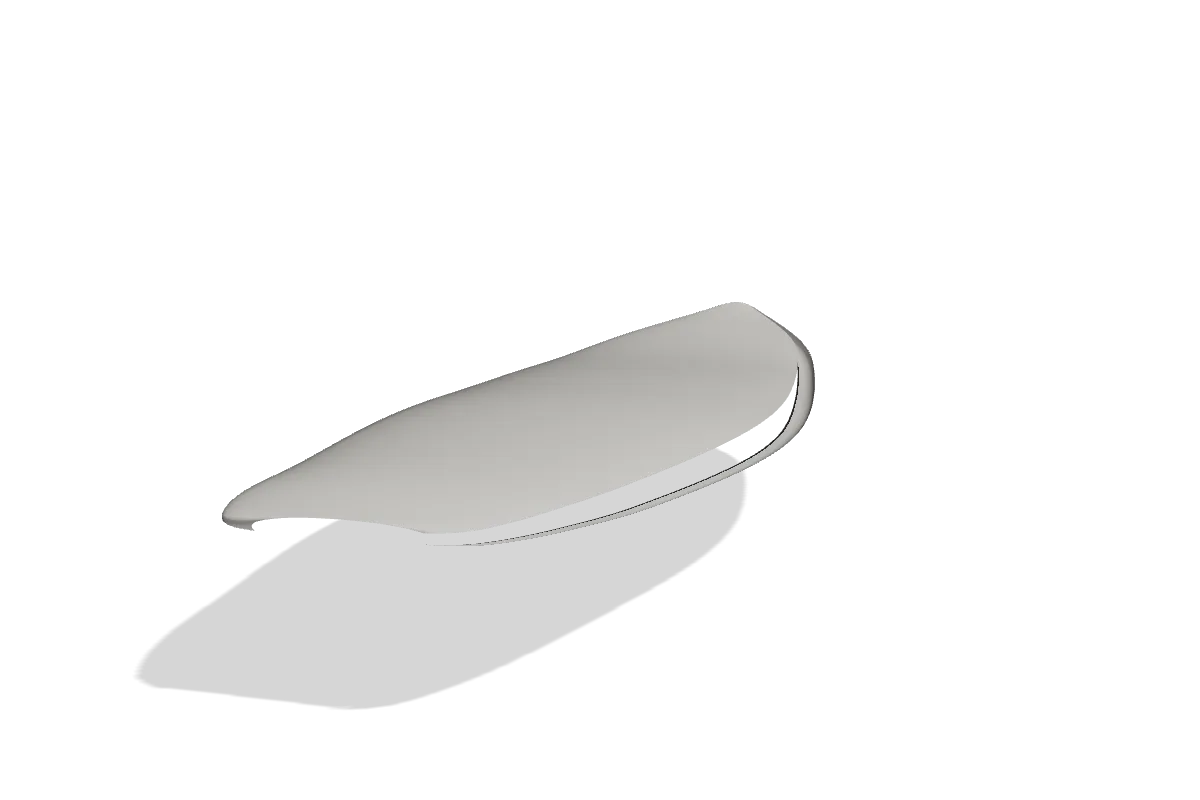
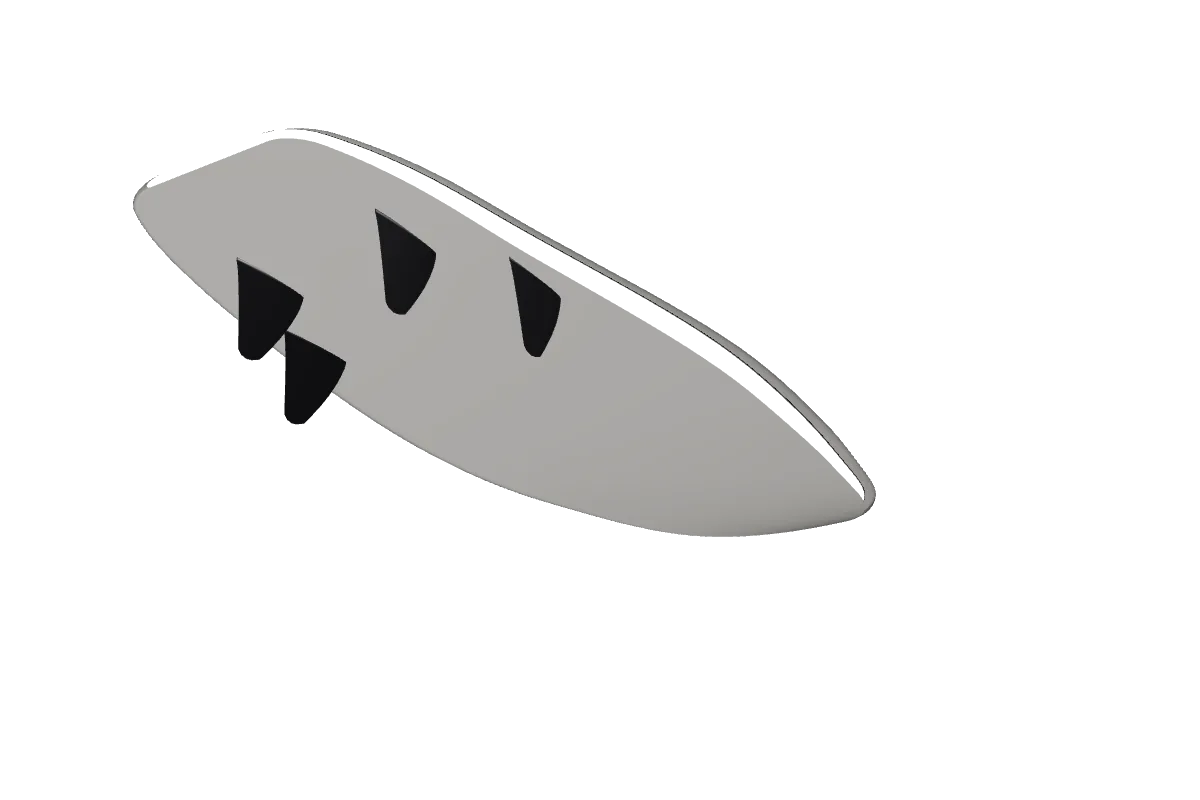
Fins and boxes. The pockets are already in the cut job.
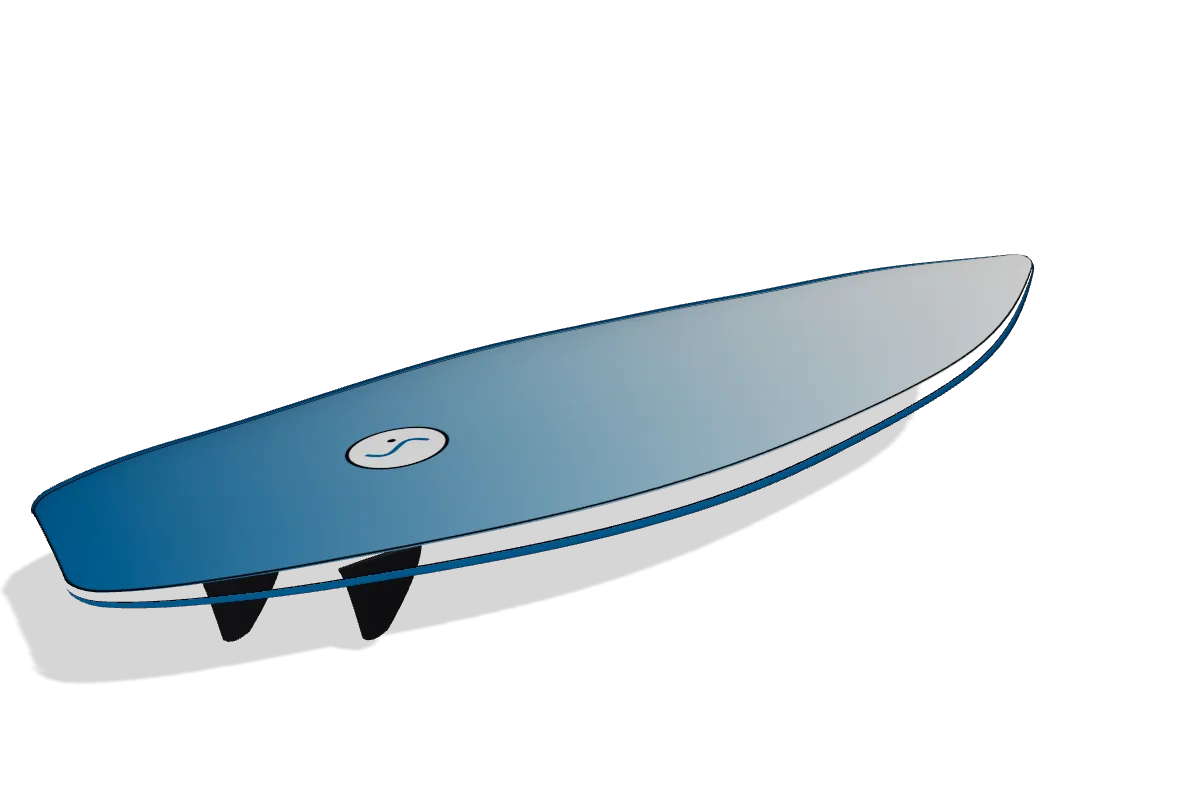
A fade on the deck, a pinline, a sticker where your back foot goes. Snapshot it.
Pins, deck, flip, bottom with fin pockets, outline. Under an hour of toolpath, with the header telling you where zero is.
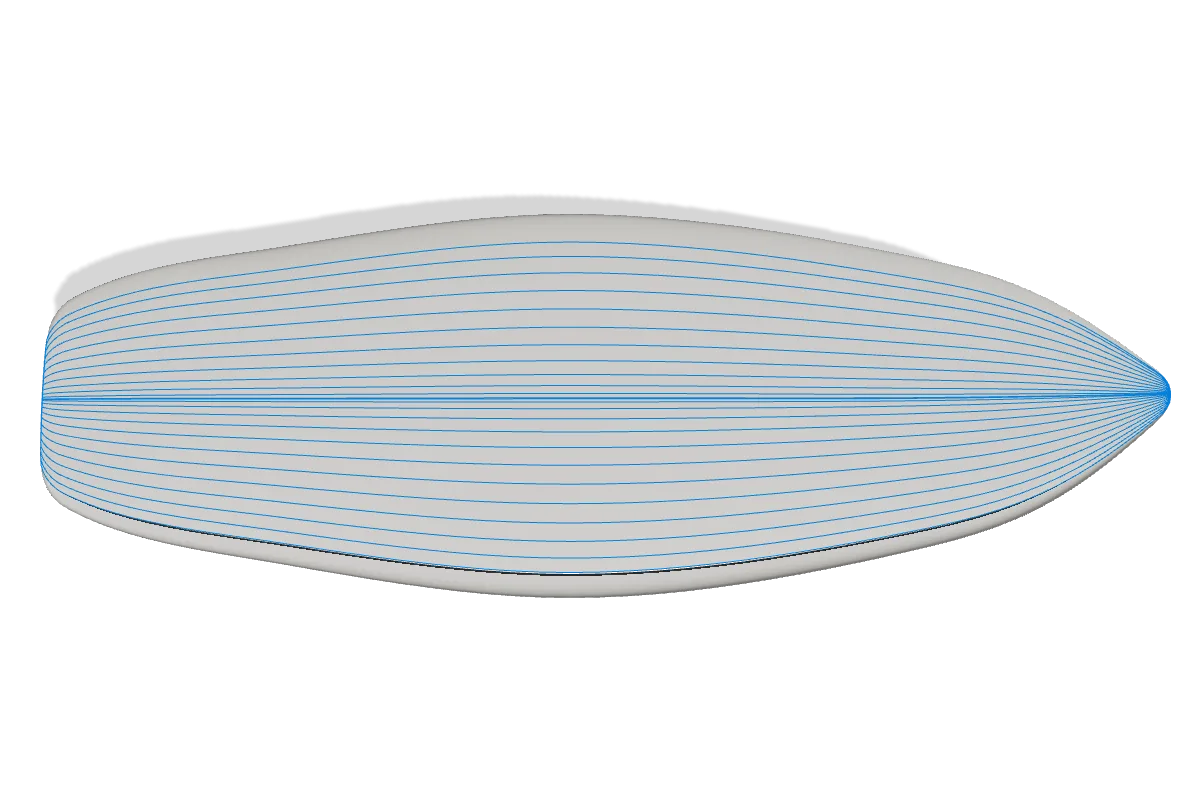
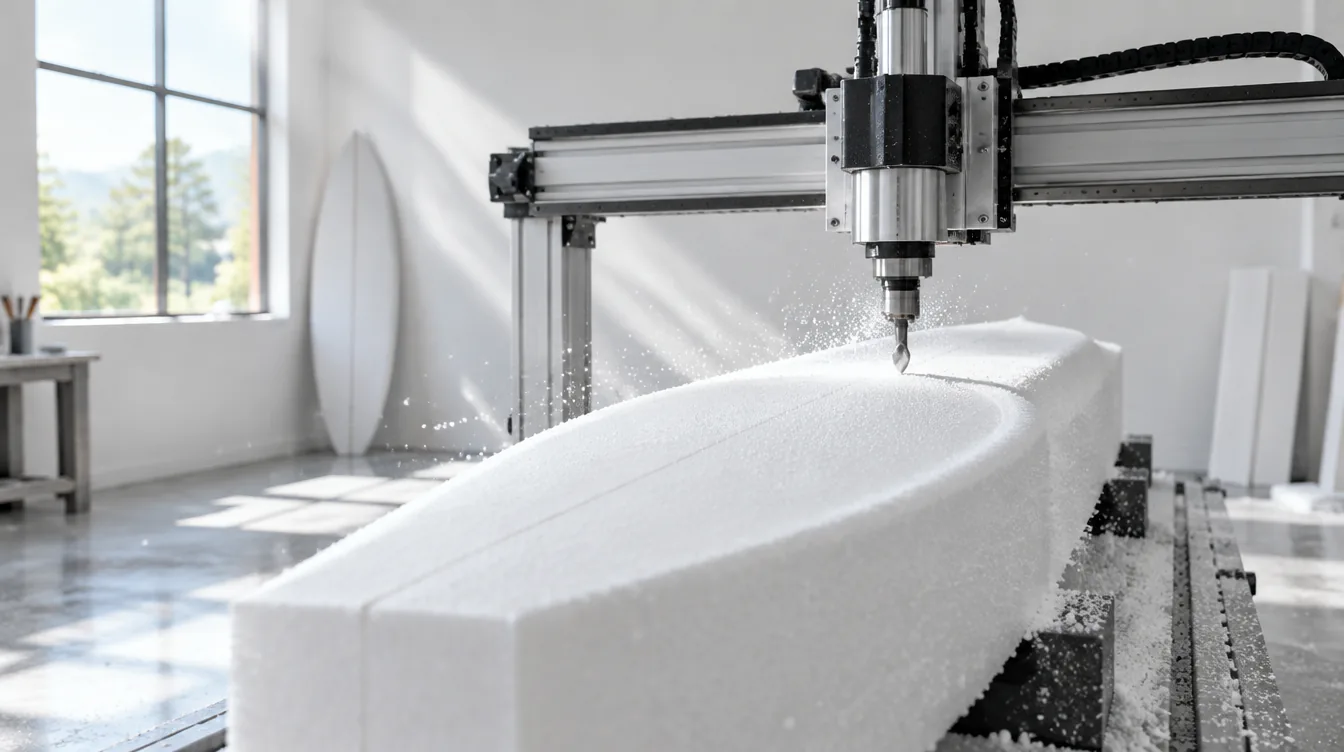
The G‑code is real, validated, and written for a person standing at the machine. Every file opens with a header you can read before you press cycle start.
Centroid Acorn (.ngc), GRBL (.nc), Mach3 and Mach4 (.tap), LinuxCNC (.ngc), ShopBot (.sbp). Inches or millimeters, whichever your machine speaks.
Where X0 Y0 is, which face is Z0 for this side, where the two registration pins are, and which axis to roll the blank about so the second side lands mirrored the way the files assume.
Before anything moves, the file lists the blank top and the spoilboard, the board's highest and lowest points, and the foam left above and below them. Tests check every Z stays inside the blank and every XY inside the bed.
EPS lets a ball nose run past its flute in one pass; PU and XPS don't. The policy is chosen from the blank material and spelled out in the header, with the depth it will reach.
(header excerpt loads from js/board-data.js, generated from the sample G-code)Everything to design, fin and paint a board costs nothing. Shaper adds the exports a hand-shaper needs. Shop adds the machine. The same three plans on Mac and iPad.
$0
No card, no trial clock.
Design, fin and paint. Keep it forever.
$5.99/month
For hand-shaping and sending boards out.
$17.99/month
For a router or a hot wire.
Placeholder. These three cards are reserved for quotes from early testers once the beta ships. Nothing here is a real testimonial yet.
Quote placeholder
Quote placeholder
Quote placeholder
Both. ShapeWake is a native app on Mac and on iPad, built on the same geometry, G‑code and board model. A .shapewake file opens on either one; keep it in iCloud Drive and the board you shaped at the bench is the one you tune at the dock.
Yes, .s3dx files. The exact curves are kept, and the resize sliders work right away. "Convert to editable" fits ShapeWake's slider model to the shape and shows you the fit error. The original file is never written back to. Older .brd, .kms and .pbd formats are not supported.
Anything that reads one of five posts: Centroid Acorn, GRBL, Mach3/Mach4, LinuxCNC and ShopBot .sbp. You set the bed size and units in a machine profile; the board is checked against the bed before export. Hot-wire output is for a four-axis foam cutter.
No. The plan print sheet and order sheet are free. With Shaper you get full-scale outline and rocker templates tiled across Letter or A4 pages, which is everything you need to shape by hand or send to a glasser. The CNC and hot-wire output is in the Shop tier.
Both, live. Switch between feet-and-inches and centimeters anywhere; every readout and slider follows. G‑code is written in the units of your machine profile.
Surf-style boards have a pointed nose, more rocker, thicker rails and real fins; they drive and hold. Skim-style boards are thin and flat with a round nose and small fins; they spin and slide. ShapeWake treats them as two styles with their own templates and their own safe ranges, so a skim can't accidentally grow surf-board rails.
They come from a catalog of box dimensions and are marked approximate where the catalog is. The depth and clearance margin are editable per box system, and the app says "verify against your box" where it means it. Measure your boxes before you cut.
.shapewake, a JSON document, the same on Mac and iPad. Save, open, recents and duplicate come from the system. Your cut settings are saved inside it, so a board cuts the same way next season.
Every file starts with a geometry check: blank top, spoilboard, board high and low points, and the foam left around them. Automated tests confirm every finishing Z stays inside the blank and above the spoilboard, every XY stays inside the bed, and the cut surface matches the board within tolerance. Read the header anyway, verify the safe height under your Z convention, and check your bit's rated rpm. It's foam, but it's still a spinning tool.
Free to design, fin and paint. Shaper and Shop unlock when you need them, from inside the app.
One .shapewake file, both devices. Shaper and Shop unlock from inside either app.